On occasion, providers report experiencing double bookings with a preexisting event in their connected calendar(s). Often times, double bookings can be resolved by addressing any issues with calendar syncing and availability in the dashboard. We suggest that you start by checking if your availability is being accurately reflected to your clients through the 'Preview availability' feature located on the Sessions page of your dashboard.
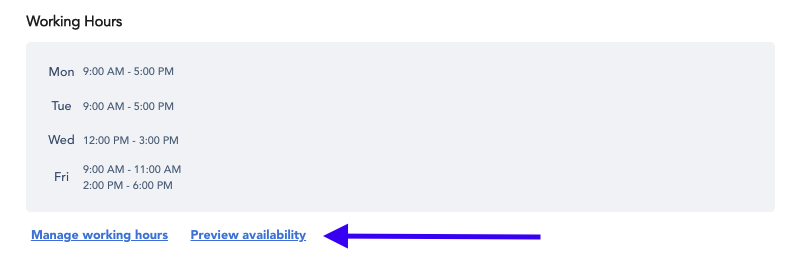
In the event that your displayed availability is inaccurate, please refer to "Why is my availability showing incorrectly?" for troubleshooting strategies.
If you continue to experience issues with double bookings, please reach out to provider@joinmodernhealth.com with a description of what is occurring and we will work with you directly to resolve the issue.